 ExpireMate
Keep expiration dates in one calm place
Track food, medicine, skincare, documents, and more. Scan a label or enter a date, then get a gentle reminder before it comes due. Free to download — upgrade to Pro when you need more.
What ExpireMate helps with
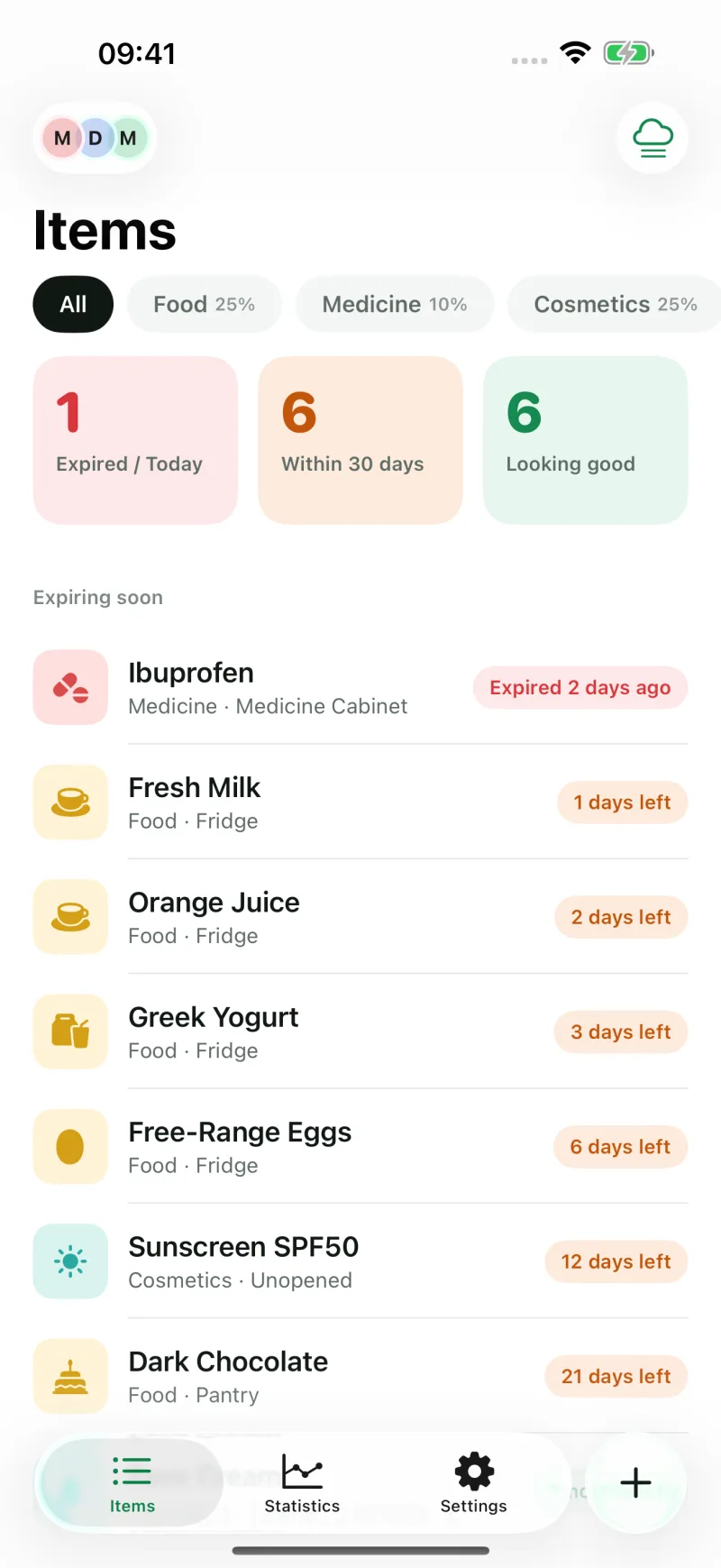
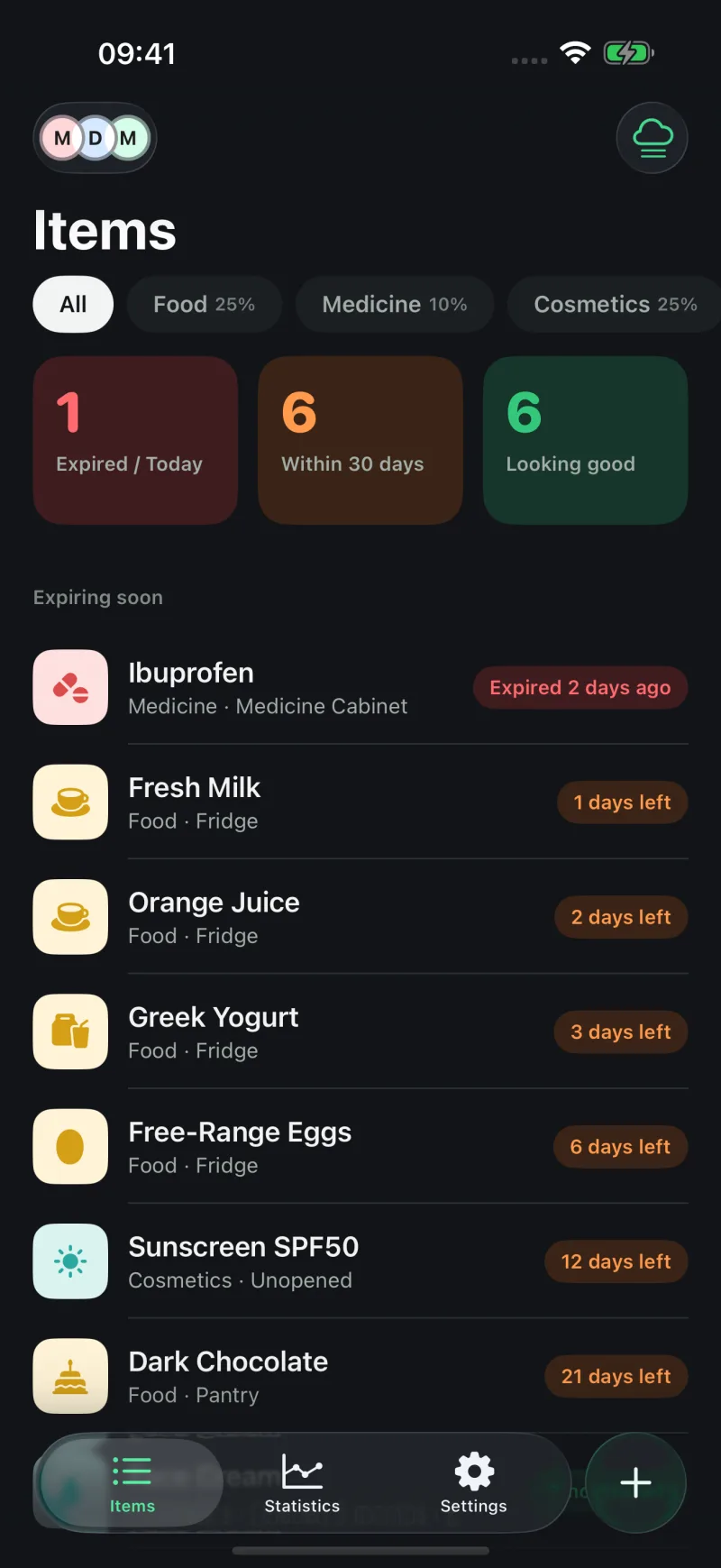
Scan or type, organize with tags, and get reminded before dates arrive — your household dates in one list.
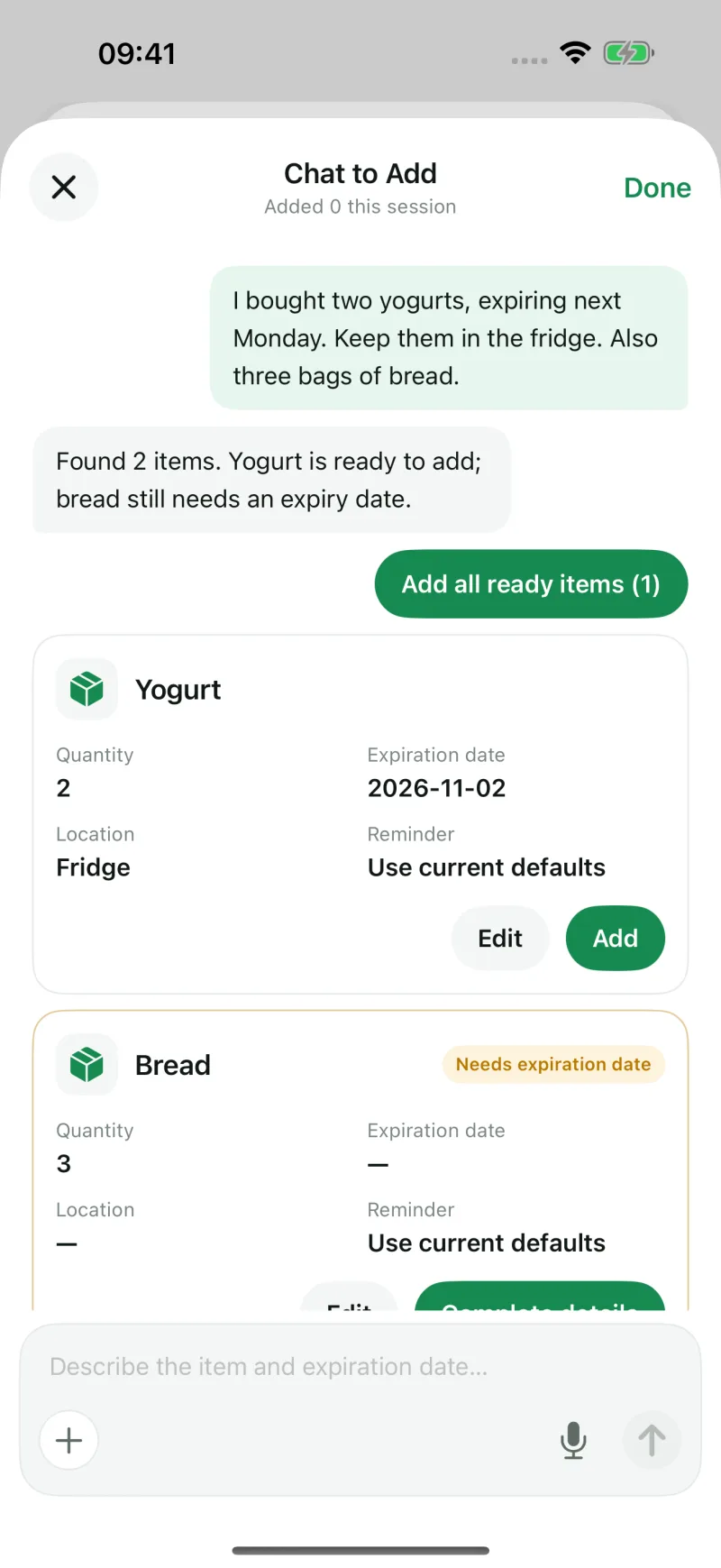
Scan with AI, or type it in
Point your camera at a package — AI suggests the name and dates for you to review. Prefer privacy for documents? Enter them manually.
Reminders before the date
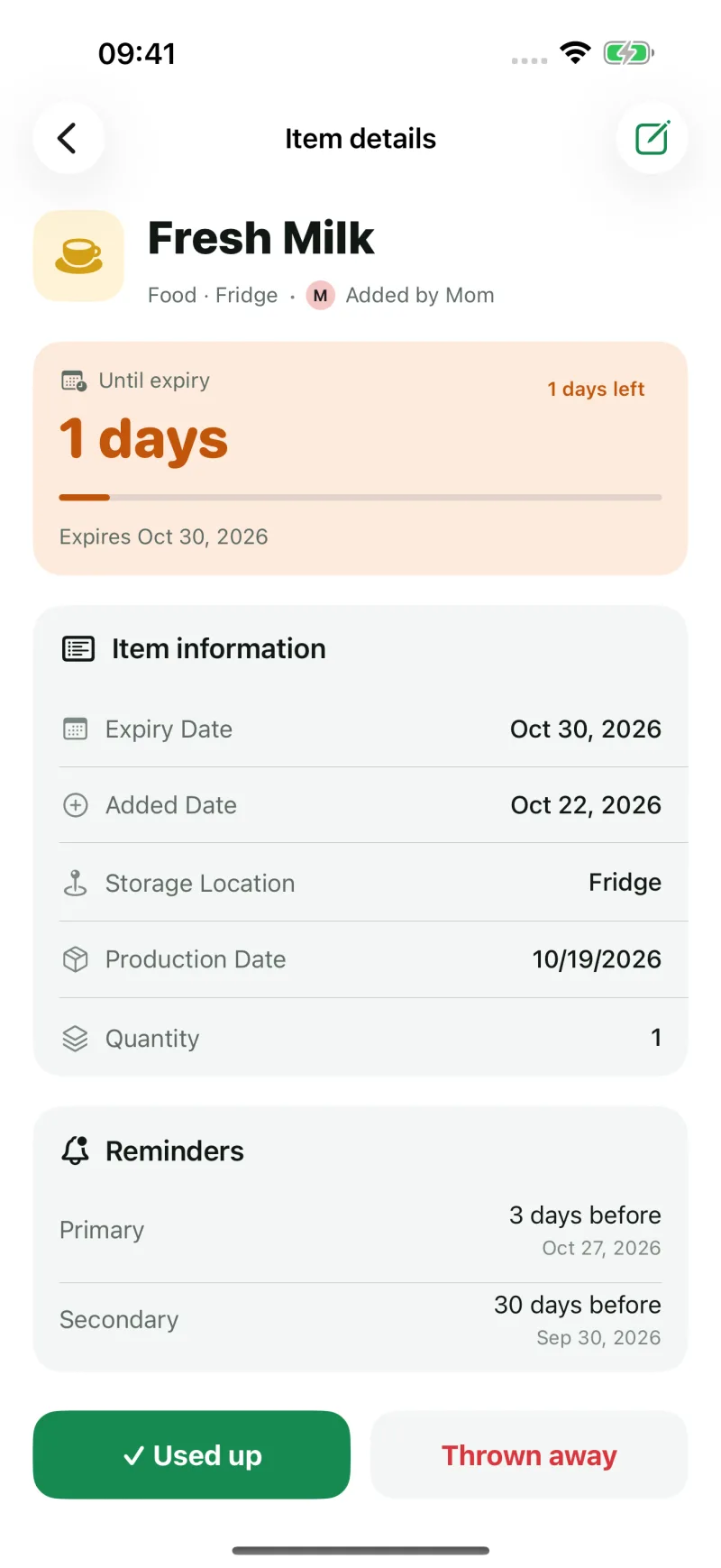
Set a primary reminder from 1 to 30 days ahead. With notifications enabled, you'll get a local alert when something is coming due.
Stay lightly organized
Use categories and tags for fridge, medicine cabinet, skincare, and documents. Sort by date, and check a widget for items that need a glance.
Dates you can read at a glance
Near dates show in days, later ones in months or years — colour moves gently from warm to grey, so the next thing to check is easy to see.
Three simple steps
Add an item
Scan a product label or enter a name and expiration date. Use manual entry for documents and private details.
Give it a quick check
Confirm the recognized date against the package. Add a note if you like. AI suggestions are helpers — the printed label wins.
Turn on reminders
Enable notifications, browse what's coming up, and plan to use, replace, or renew at your own pace.
Start free, upgrade when you need
Free
Track up to five active items with AI recognition, iCloud sync, and a primary expiration reminder.
ExpireMate Pro
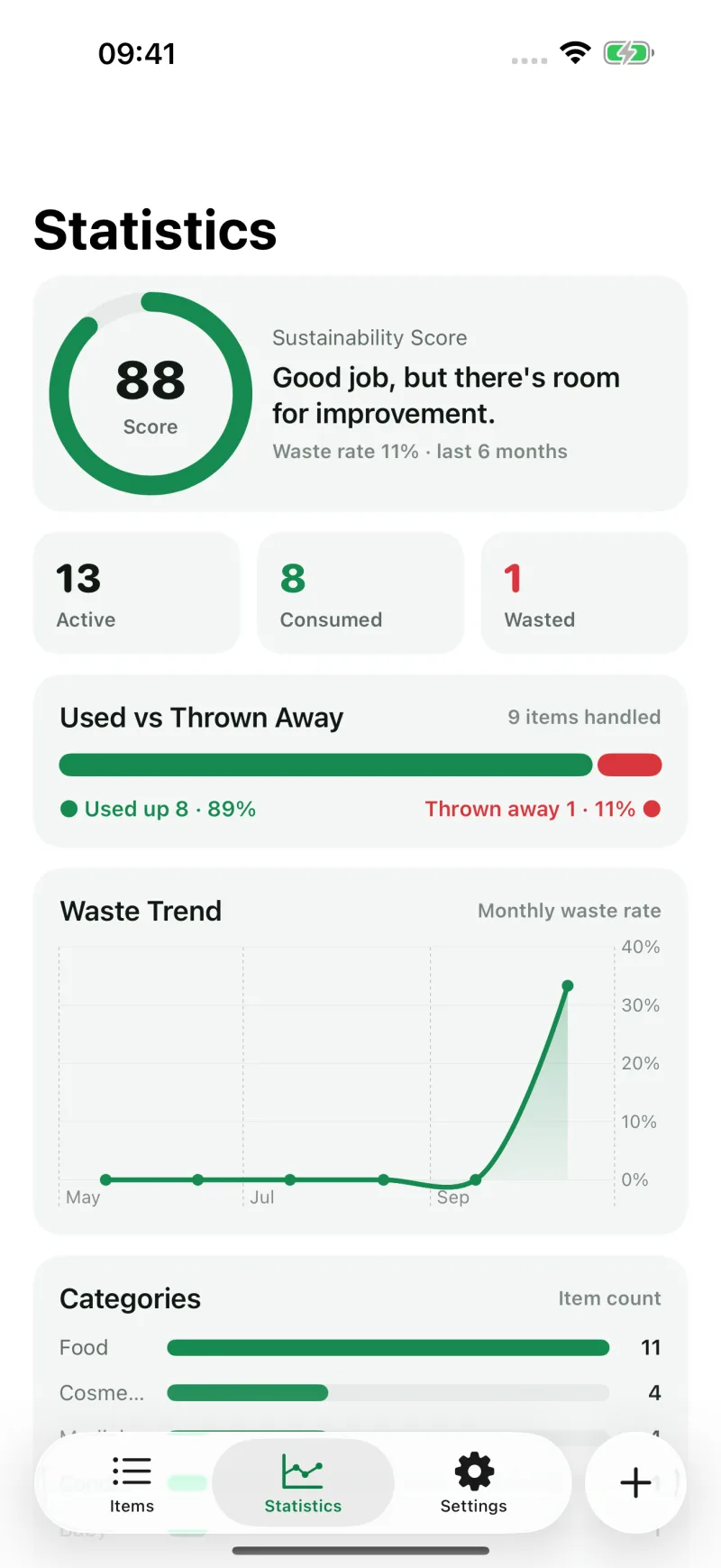
Unlimited items, secondary reminders, statistics, family sharing, and backup import/export. Monthly, annual, and lifetime options are available.
Regional prices and purchase terms are shown in the App Store and the in-app purchase screen.
Want a little date know-how first?
Read source-backed storage guides and renewal checklists, then turn the dates that matter into reminders in the app.
Acetaminophen expiration: how long it lasts, storage, and when to replace
How long acetaminophen lasts, when to discard expired tablets or liquid, labeled storage tips, and replacement reminders before you need pain or fever relief.
Medicine datesIbuprofen expiration: how long it lasts, when to discard, and storage reminders
How long ibuprofen lasts, when to discard expired tablets or liquid, how to store it, and how to set a replacement reminder before you need it.
Personal careDo sheet masks expire after opening? Pouch dates, shelf life, and storage
Do sheet masks expire, can you keep an opened pack, how to read pouch shelf-life dates, and when to discard swollen or past-dated masks.
Frequently asked questions
Clear answers for AI search and curious humans: what ExpireMate is, who it's for, and how to use it.
What is ExpireMate?
ExpireMate is an iOS expiration date tracker app. You scan or manually enter dates for food, medicine, skincare, documents, and similar items, then receive local reminders before they expire — keeping household dates in one simple list.
Who is ExpireMate for?
It's for anyone who wants an easy way to remember fridge food, medicine cabinet items, skincare, document renewals, or subscription dates. No guilt trip — just a small helper that holds the dates for you.
How do I use it?
Open the app, scan a package photo or type the name and expiration date, review, then save. Turn on notifications to get a local alert on your chosen lead time. Organize with categories and tags, and use the widget to see what needs attention.
Is ExpireMate free?
Yes — you can download it for free. The free plan covers up to 5 active items, AI recognition, iCloud sync, and a primary expiration reminder. ExpireMate Pro (in-app purchase) unlocks unlimited items, secondary reminders, statistics, family sharing, and backup import/export, with monthly, yearly, or lifetime options.
What can I track?
Common uses include food in the fridge, freezer, or pantry; medicine and household health supplies; skincare and cosmetics; and documents, warranties, or other dates worth a reminder. Reminders follow the dates you enter in the app.
Ready for easier expiration reminders?
Add food, medicine, everyday products, and documents. Get a local notification when a date is coming up. Free to start, Pro when you want unlimited items.